




NK101 App – Download & Play on Mobile
Get Bonuses!
Casino games, sports betting and payments in Rupees: NK101 Mobile brings the platform’s main services to your phone. Browse the lobby, choose English or Nepali, and manage your account without switching to a desktop computer.
New users registering through mobile or app access can qualify for a 50% deposit bonus. Start by reviewing the offer, complete phone-number verification, and choose a deposit amount within your entertainment budget. The minimum deposit is NPR 100. Real-money play is for adults aged 18 and over; free demo play is not available.
NK101 App
NK101 App Features
The core mobile offer combines account access, games, betting and payments. Rather than choosing a download based on an advertised file size or unsupported speed claim, focus on the features you will actually use.
| Mobile feature | Platform information |
| Languages | English and Nepali |
| Account currency | Nepalese Rupees, shown as NPR |
| Account verification | Mobile-phone verification for registration, login and account protection |
| Casino access | Slots, Live Casino, Poker and Popular Games |
| Sports access | Cricket, football, basketball and live betting |
| New-user promotion | 50% deposit bonus, subject to the applicable offer conditions |
| Minimum age | 18+ |
Keep access to the phone number associated with your profile. When signing in or completing verification, follow the prompts shown on your screen rather than assuming a particular code length or recovery method.
Casino and Sports Betting on Mobile
Move between casino categories and sports betting according to what you want to explore. The lobby navigation separates Slots, Live, Poker and Sports, so you can choose an entertainment category before opening a particular game or sportsbook.
For casino play, read the selected game’s rules and stake information before starting. For a sports bet, check the event, market, odds and total stake before confirmation. A familiar game name or competition is not a substitute for understanding the specific selection on your screen.
NK101 APK for Android
An NK101 Android App should be obtained only through a download route you can trace to the operator. A working installer, current version, package size and minimum system requirements could not be independently verified during this review.
The instructions below explain the standard Android installation process, not a tested installation of this particular app. Use them only after confirming that the official download area supplies an Android package compatible with your device. Google warns that installing software from unknown sources can put a device and its personal information at risk.
How to Download NK101 APK
Begin an NK101 APK Download by opening the official site in your phone’s browser and looking for the operator’s App Download area. This navigation entry appears in the website screenshot provided for the platform.
Check whether the download page actually offers an Android file. Review any published version information, compatibility requirements and publisher details before proceeding. Do not substitute a file from an unrelated APK directory when the official download is unavailable.
Allow the download to finish before opening it. A missing download link or an inaccessible page is a reason to seek clarification from support, not to guess an alternative installer address.
How to Install NK101 APK on Android
Once you have confirmed the source and downloaded a compatible package, follow the installation prompts on your device:
- Open the downloaded file. Find it through your browser’s downloads or your phone’s file manager.
- Review the installation request. Check the displayed app information before granting permission.
- Allow the relevant source only when necessary. Android may direct you to an “Install unknown apps” setting for the browser or file manager. The wording and location vary by device.
- Complete installation without bypassing a harmful-app warning. Keep Google Play Protect enabled; stop and investigate any security alert.
- Remove the temporary installation permission. After installation, turn off “Allow from this source” for the application you used to open the package.
These steps follow Android’s general handling of downloads from outside Google Play. They do not establish that the platform’s installer has passed an independent security assessment.
Before entering your login details, confirm that the installed application came from the intended source. Existing members should use their existing login rather than create another profile simply because they are changing devices.
NK101 APK Security
Before starting an NK101 APK Nepal download, check the source rather than relying on a familiar logo or filename. For NK101 Android users, keeping Play Protect active provides a device-level check for potentially harmful software, including apps obtained outside Google Play. It is not a guarantee that every application is safe.
The platform’s stated account measures include phone-number verification and reputation-based security. “Reputation-based” is not a published encryption specification, an independent audit or proof of regulatory supervision. The supplied platform information lists no gambling licence.
Keep verification codes private, use a password you do not reuse elsewhere, and stop when an installation or login request looks unexpected. Check the legal requirements that apply to your location before using any real-money service.
NK101 App for iPhone and iOS
For NK101 iOS access, the mobile website is the starting point. A native NK101 iPhone App and its App Store listing have not been independently confirmed, so there is no verified store installation route to recommend here.
Browser access avoids the need to rely on an unverified app listing. It also keeps the distinction clear between opening a website on your phone and installing a separately distributed application.
Access NK101 on iPhone
Open Safari and enter one of the official website addresses in the address field. Once the page loads, choose your language, open the login or registration area, and complete the required account verification. Safari supports visiting websites directly by entering their address.
For a more convenient return visit, you can add the website to your Home Screen using Safari’s own controls:
- Open the website in Safari and select Share.
- Choose Add to Home Screen. On supported versions, Open as Web App may also appear.
- Confirm the name and tap Add.
This creates a Home Screen route to the website. It does not prove that the operator offers a native App Store application.
NK101 Mobile Experience on iOS
The mobile service includes the casino lobby, sports betting and NPR payments. Use the browser to review what is available to your account rather than relying on promises of additional iPhone-only features.
Keep the current game or payment screen in view until the action is confirmed. When returning from another application, check the displayed account and transaction status before repeating a deposit or bet.
Face ID login, native push notifications, offline play and a minimum supported iOS version have not been verified. A Home Screen icon should not be treated as evidence that these features exist.
NK101 Mobile Website
Prefer to avoid installation? Use the mobile website to access the platform through your phone’s browser. The mobile service supports account access, casino games, sports betting and payments in the same local currency used throughout the platform.
This is also the alternative to consider when an installer cannot be verified. You still need an eligible account and the required phone verification for real-money use; opening the site does not remove those requirements.
How to Access NK101 from a Mobile Browser
Enter the official site directly into the browser’s address field. Check the address before entering account information. Choose English or Nepali, then use the registration or login option appropriate to your account.
For registration, keep your active mobile number available and follow the verification instructions presented by the service. Existing members should sign in with their registered details and complete any verification requested during access.
Once connected, start with the lobby or account area rather than depositing immediately. Review the current promotion and the available payment options first, so your next action is based on the information actually shown to you.
Mobile-Friendly Features
Localisation starts with information you can understand: an English or Nepali interface and an NPR balance. These features let you review stakes, deposits and withdrawal amounts in Rupees instead of converting every figure from a foreign account currency.
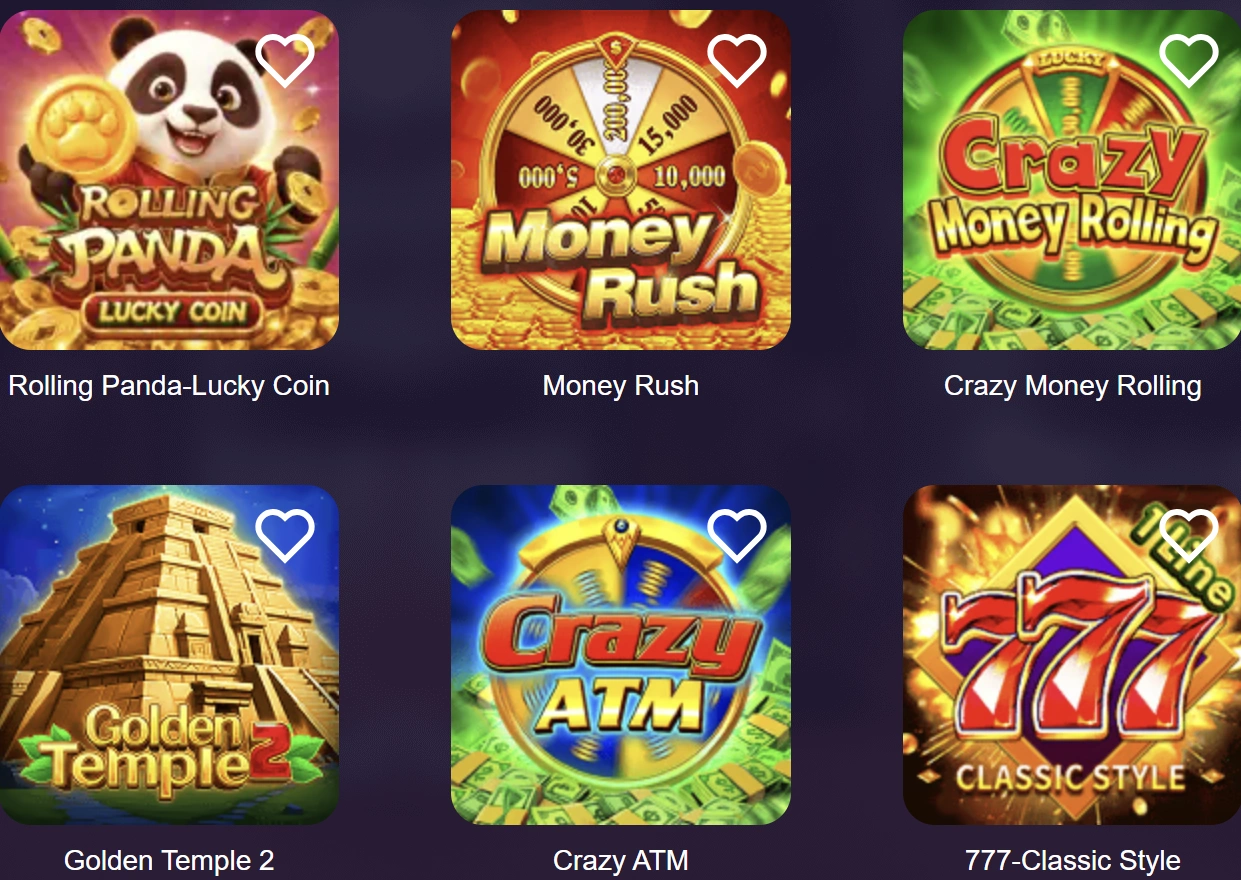
The lobby uses labelled game tiles and separate category navigation. Titles such as Sugar Rush 1000 and Gates of Olympus 1000 appear with their specific version names, helping distinguish them from similarly named games.
Check the full title and rules before selecting a game. On a smaller screen, take time to review the stake and confirmation controls instead of assuming that a familiar-looking tile has the same settings as another version.
Using NK101 App
Mobile access is most useful when you can move from choosing entertainment to checking your account without losing track of your spending. Begin with the available games or sports events, decide on a budget, and review the relevant rules before committing funds.
The welcome promotion provides a 50% deposit bonus for eligible new users registering through mobile or app access. A 50% rate means half of the qualifying deposit amount: for example, NPR 500 on a qualifying NPR 1,000 deposit before any applicable caps or other conditions. It does not double the deposit. The first-deposit promotional banner confirms the advertised percentage.
Read the actual promotion terms for eligibility, wagering, expiry and withdrawal conditions. These details are not established by the headline percentage alone.
Casino Games on Mobile
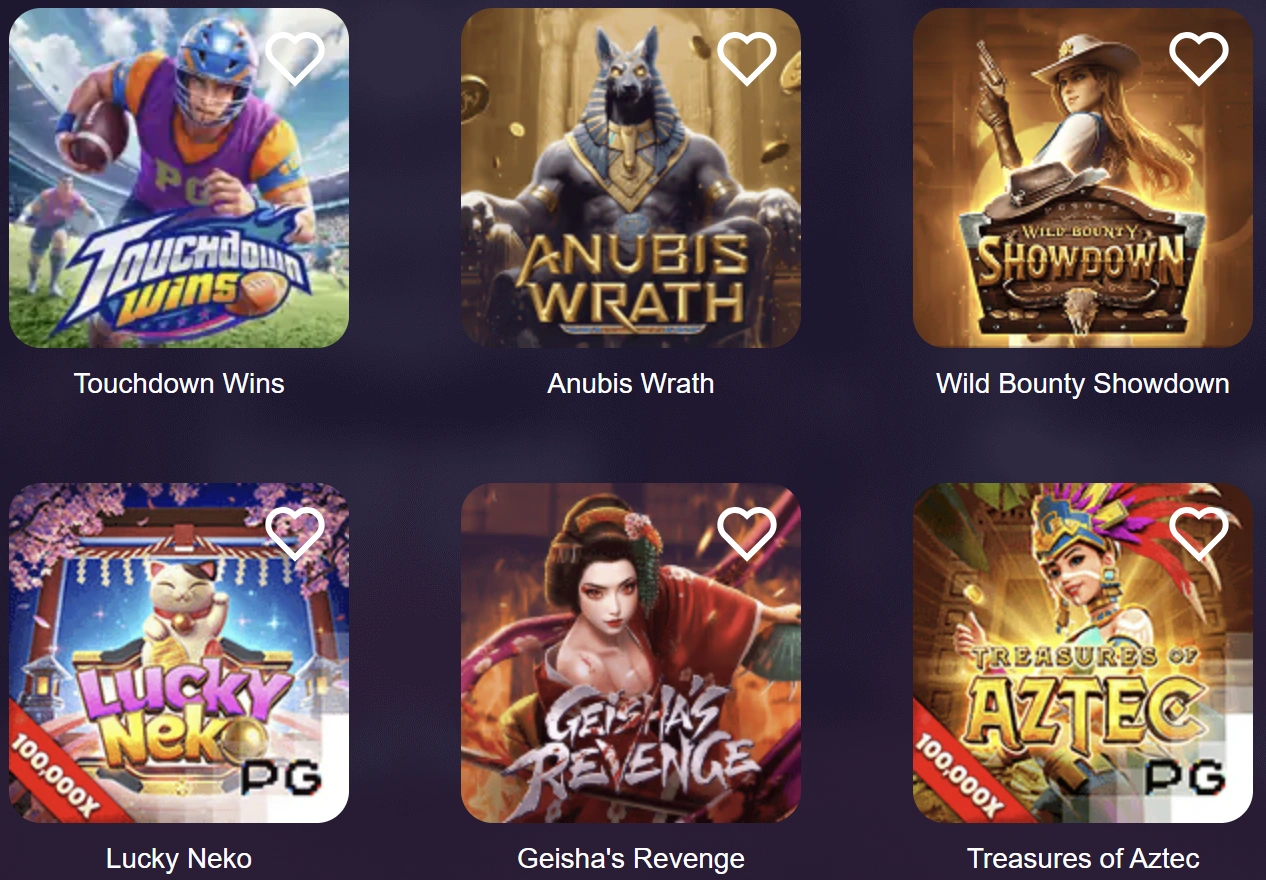
The casino lobby shown in the supplied screenshots includes Sugar Rush 1000, Gates of Olympus 1000, Sweet Bonanza 2500, Starlight Princess 1000 and Ra vs Osiris. Check the complete name before launching a game rather than treating different versions as interchangeable.
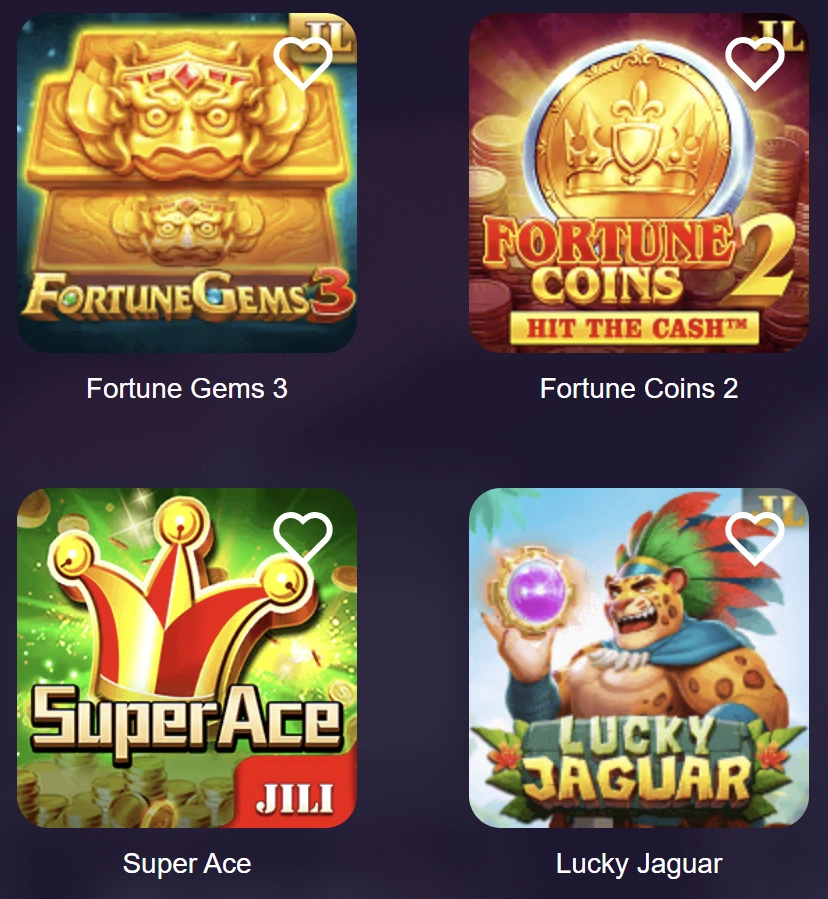
Other displayed titles include Fortune Garuda 1000, Fortune Gems 2, Fortune Gems 3, Super Ace, Money Coming and Jhandi Munda. Use the current lobby to check which title and version is accessible before starting a session.
Slots sit alongside Live Casino and Poker in the mobile offering. Read the rules for the particular game or table you select; a category name alone does not establish its stakes, format or participation requirements.
Free demo play is not available. Review the rules and stake before a paid round rather than assuming there will be a practice mode. Keep the amount you are prepared to spend separate from any bonus balance or potential winnings.
Sports Betting on Mobile
The mobile sportsbook offering covers cricket, football, basketball and live betting. Start with your chosen sport, open the relevant event, and compare the markets actually displayed. Do not assume a competition or market is available simply because the sport is supported.
For cricket, check the fixture and match format. For football or basketball, confirm the teams and the event you intend to follow. In every case, review the selection, stake and displayed odds before submitting the bet.
During live betting, rely on the current betslip and acceptance message rather than an earlier screen. After confirmation, check the recorded selection before making another action. Treat betting as paid entertainment, set a spending limit in advance, and never increase a stake simply to recover a loss.

Deposits and Withdrawals
Mobile payments use Nepalese Rupees. The minimum deposit and minimum withdrawal are both NPR 100, while the stated deposit range runs from NPR 100 to NPR 2,000,000.
| Payment detail | Mobile payment information |
| Account currency | NPR / Nepalese Rupees |
| Minimum deposit | NPR 100 |
| Deposit limits | NPR 100–2,000,000 |
| Minimum withdrawal | NPR 100 |
| Withdrawal fee | 0% |
| Stated withdrawal processing time | Approximately 1 minute; not a guaranteed completion time |
| Cryptocurrency payments | Not supported |





Open the deposit section and choose a method currently available to your account. Check the amount and recipient details shown by the payment instructions before confirming. Specific banks, wallets and card brands have not been independently verified, so their availability should not be assumed.
For a withdrawal, open the withdrawal section, review the available balance and enter the requested payment details. Complete any verification required by the service and check that the destination information is correct before submission.
Treat the approximately one-minute processing figure as an estimate. Wait for confirmation before considering the payment complete, and keep the transaction reference when seeking help. A deposit bonus should not be treated as immediately withdrawable cash without checking its conditions.
NK101 App FAQ
Start your NK101 App Download from the operator’s website and check the App Download area shown in its navigation. Confirm that the offered software supports your device and review its publisher details before installation. A working download link and current package specifications could not be independently verified.
App access is advertised, but an Android package could not be independently confirmed from a working official download page. Check the operator’s download area or ask support for the current Android option. Do not use a third-party installer simply because it carries the brand name.
Use the mobile website as the starting point: open it in Safari and follow the account prompts. A dedicated App Store application has not been verified. Safari can also add the website to your Home Screen for easier access, without establishing that a native application exists.
Yes. The mobile website provides a browser-based route to the service described in the platform information. Account verification still applies, and real-money casino play does not include a free demo mode. Review the current lobby, offer conditions and payment options before adding funds.
A current official download price could not be verified. The supplied materials advertise an app and an App Download entry, but neither establishes a download fee or confirms that the software is free. Registration, downloading and real-money play are separate matters; the stated minimum deposit is NPR 100.